
Writing and reading
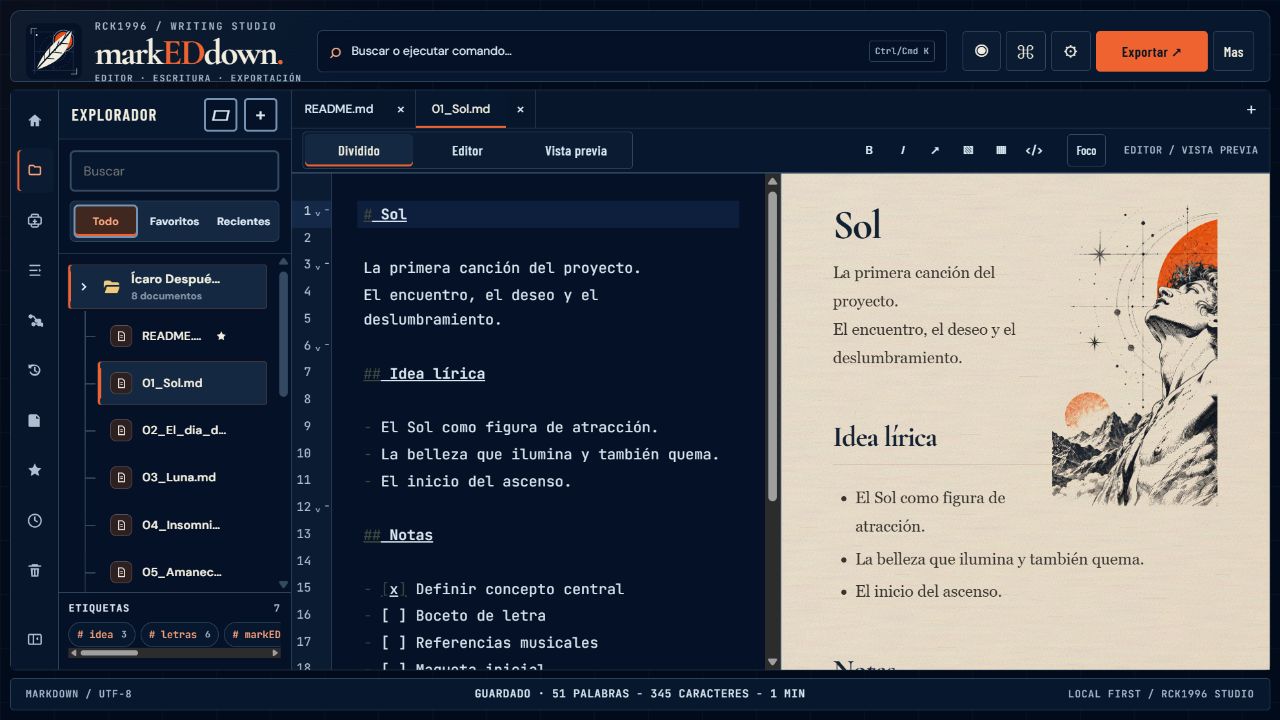
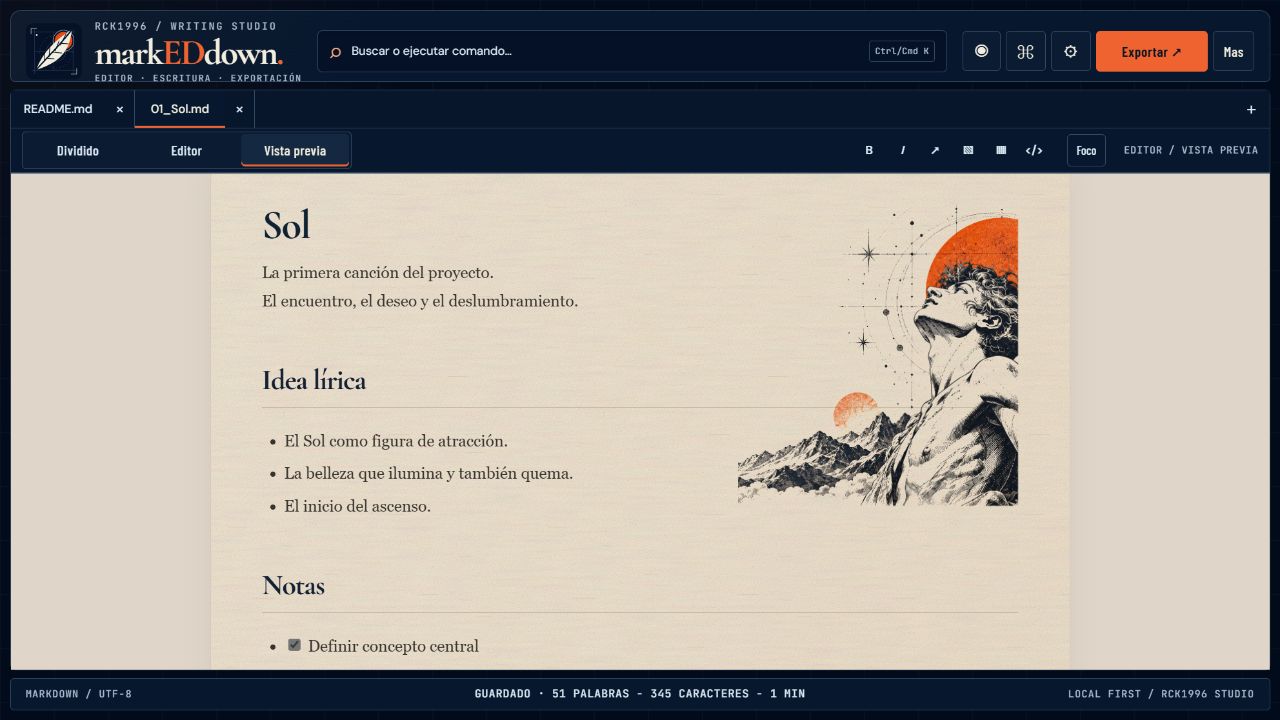
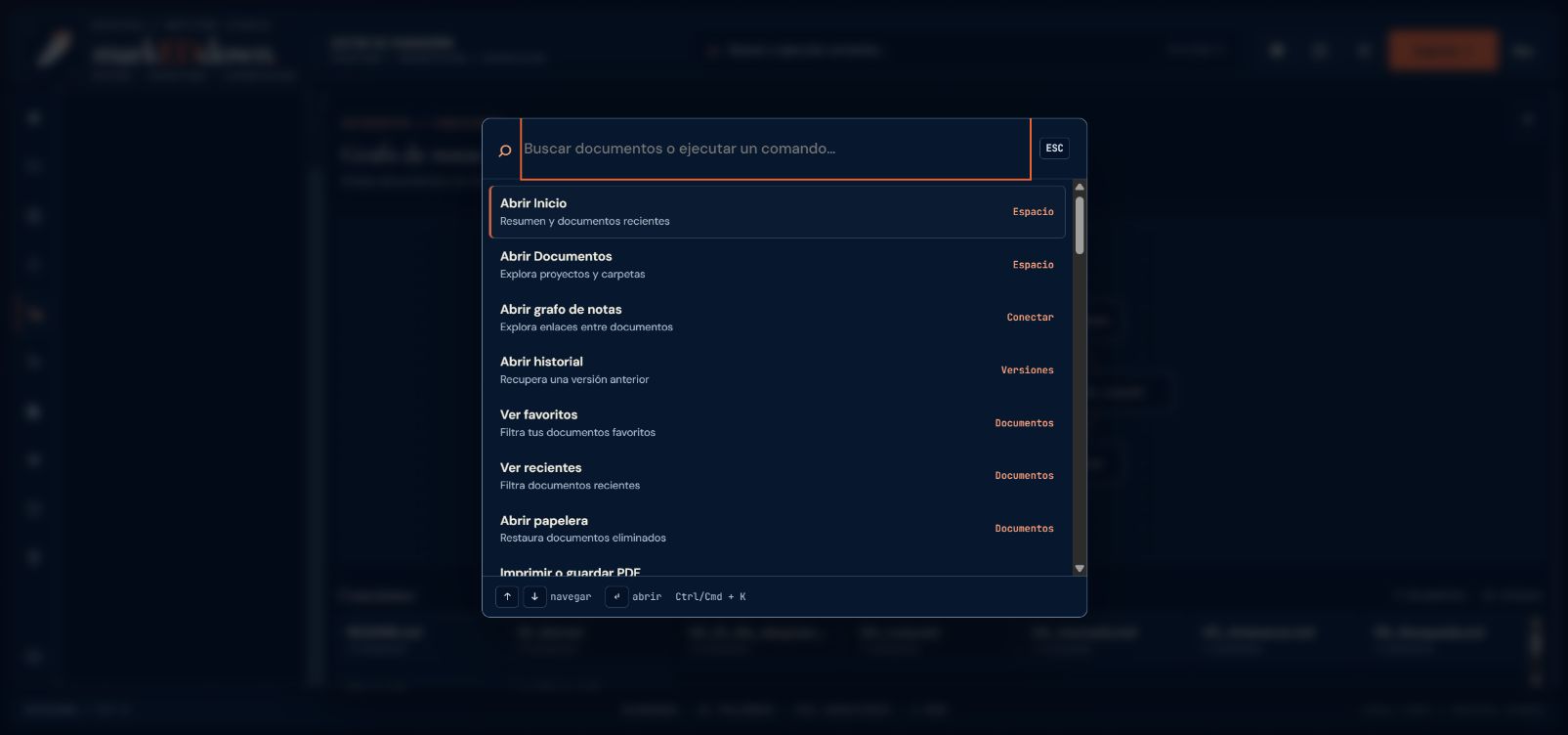
CodeMirror 6, live preview, slash commands, search, focus, presentation, and navigation between linked documents.
Case study / Markdown writing
A local-first space to write, organize documents, and review Markdown live. markEDdown brings editor, explorer, reading, and export together without requiring an account.

REAL INTERFACE / DESKTOP
01 / Overview
CodeMirror 6, live preview, slash commands, search, focus, presentation, and navigation between linked documents.
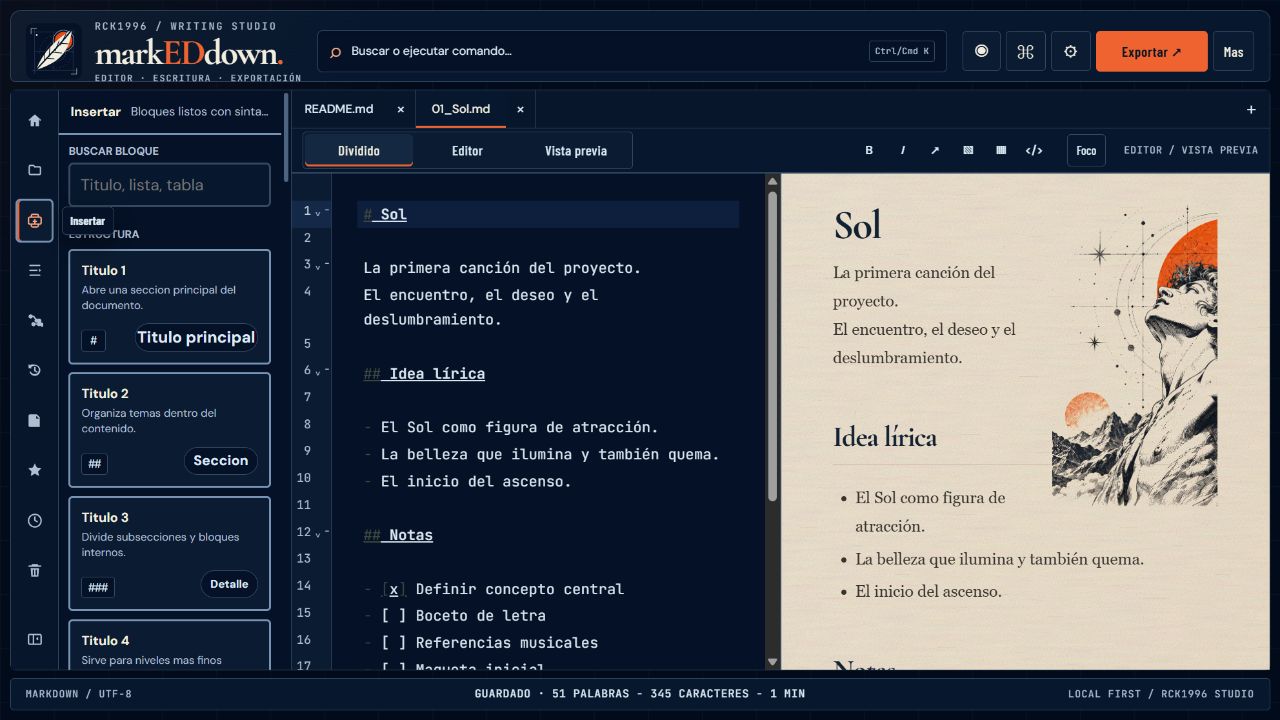
Local explorer with folders, favorites, recents, archive, trash, history, assets, and an inspector.
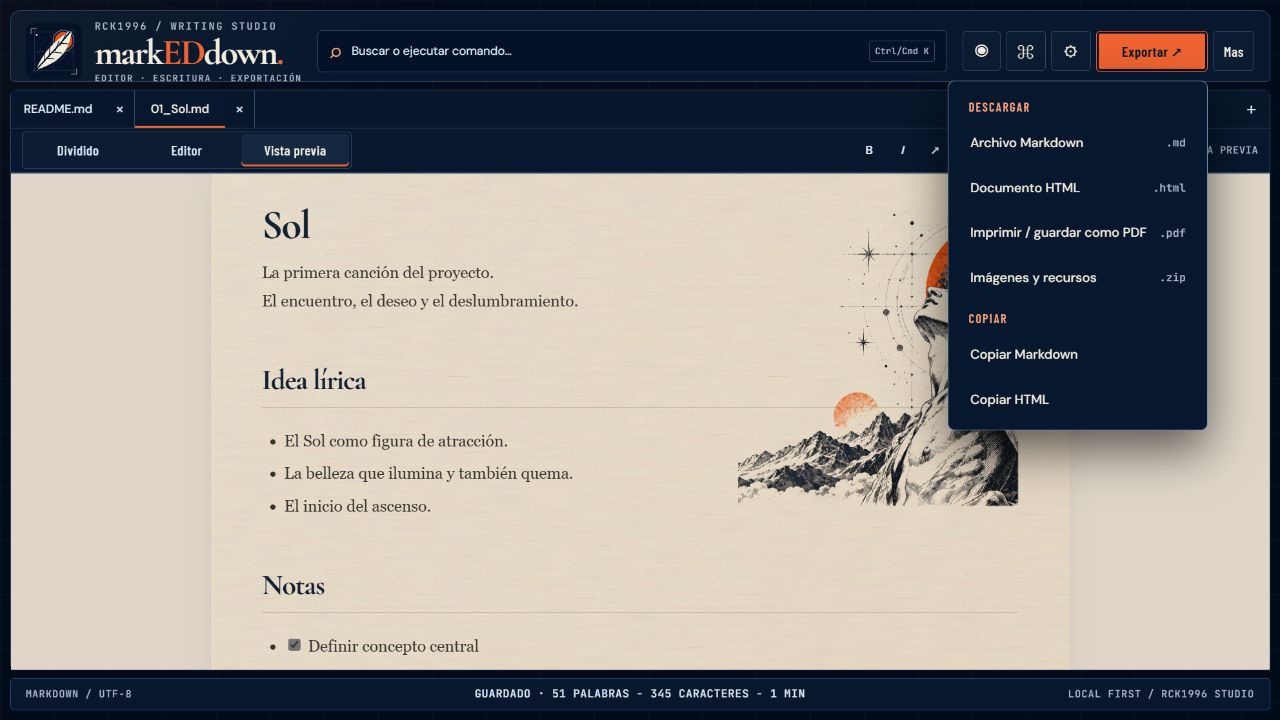
Export Markdown, HTML, PDF, and images; copy Markdown or HTML and download assets as ZIP.
02 / The problem
03 / The approach
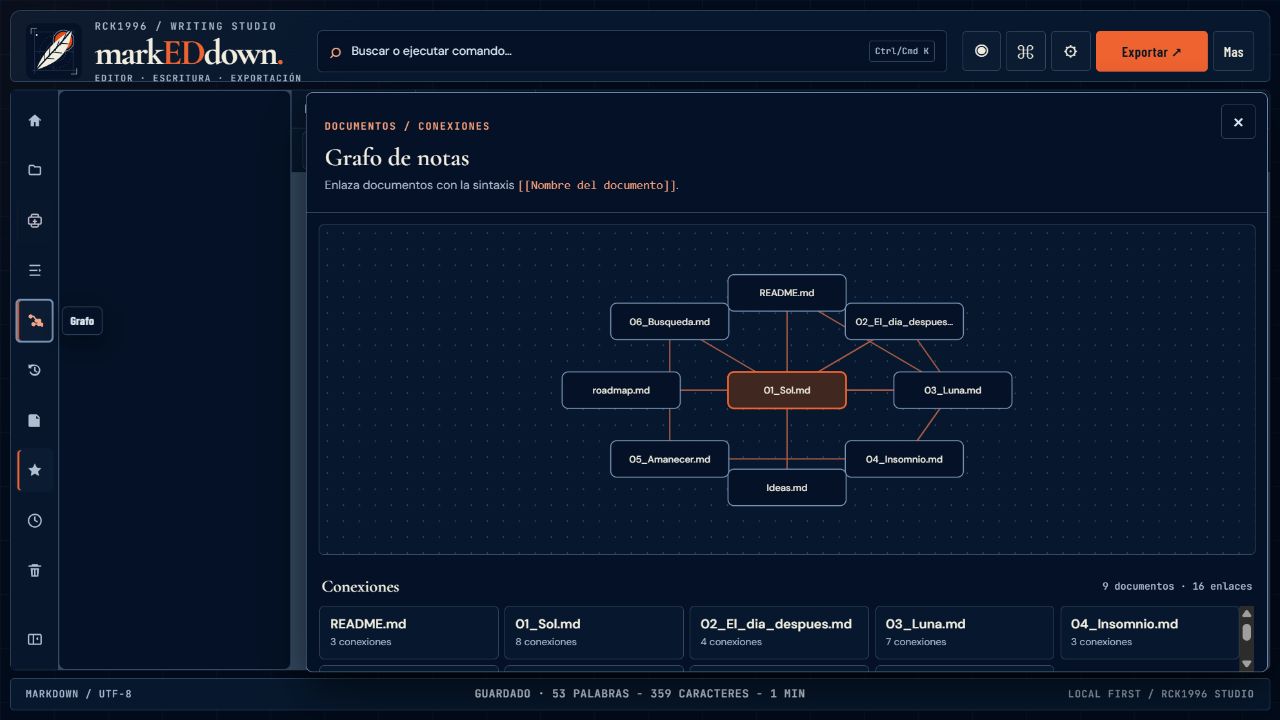
The interface connects editor, preview, and local library. A document graph links notes, while the command palette, inspector, and export tools stay within reach.
04 / Real screenshots · desktop 1280 × 720
05 / Product decisions
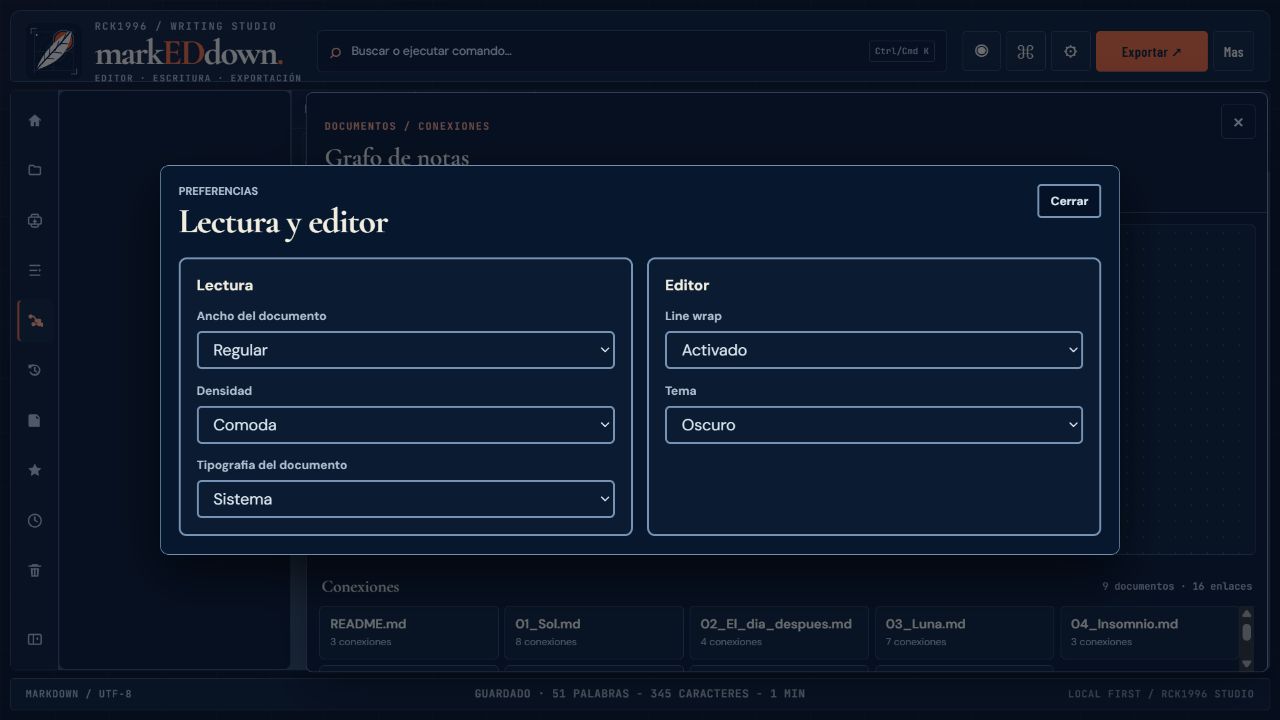
Editing and reading share the same workspace. Organization and inspection panels appear when needed, when needed. Documents stay in the browser, and the editor content remains free of background artwork.
06 / Stack & privacy
Documents, preferences, and images are stored in browser localStorage. This storage is not encrypted: export copies to preserve your work.
07 / Explore